
Weebly Masonry Layout – Pinterest-Style Drag & Drop Card Grids for Weebly
Add beautiful, fully responsive masonry card layouts to your Weebly website — 1, 2, or 3 columns, drag-and-drop enabled, and automatically optimized for every screen size. No coding required.
⭐⭐⭐ 5 verified reviews | Available on the Weebly App Center | From codoplex.com
✅ 1, 2 or 3 Column Layouts
✅ Drag & Drop Enabled Cards
✅ 100% Responsive on All Devices
What Is the Weebly Masonry Layout App?
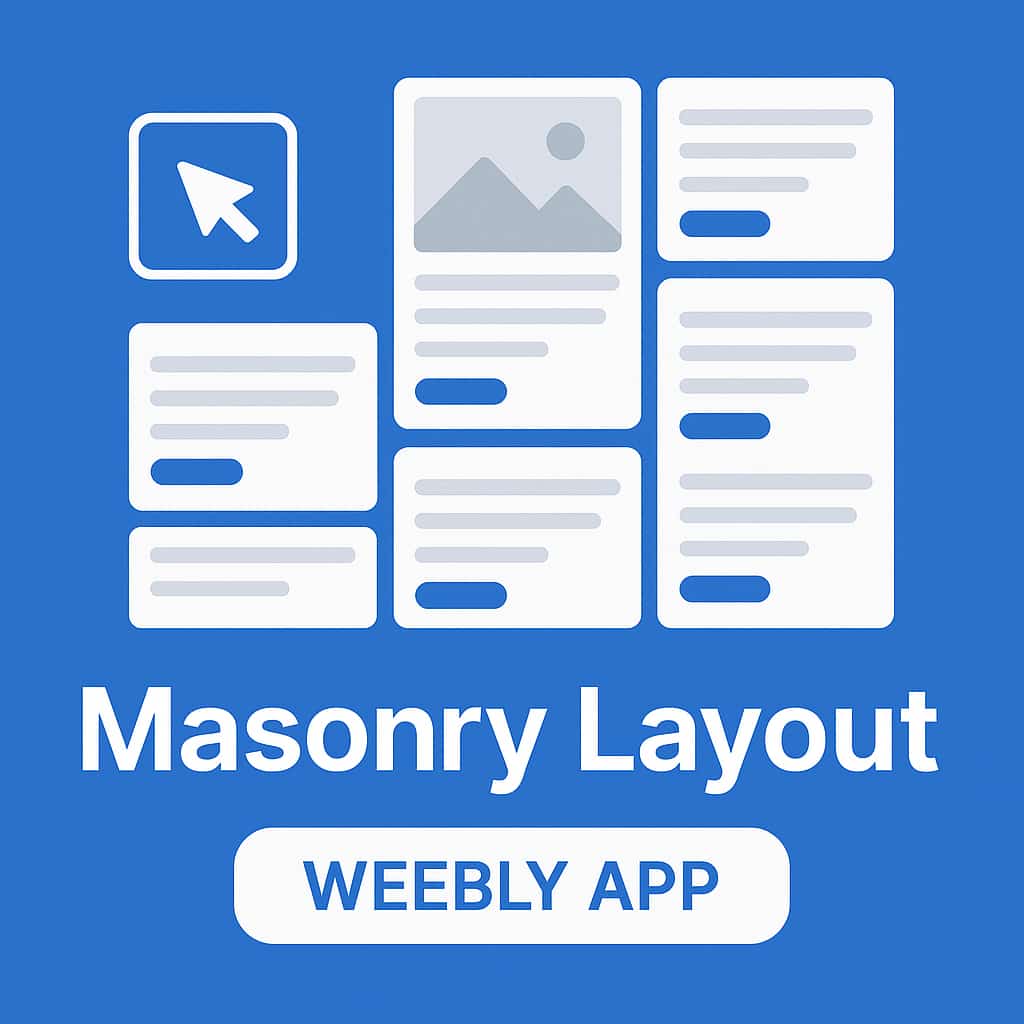
The Weebly Masonry Layout app adds Pinterest-style card grids to any Weebly page. Cards with different heights automatically adjust and stack together seamlessly — that’s the masonry effect — giving your content a clean, professional editorial look without any coding.
Choose between 1, 2, or 3 column layouts and define how many cards to display. Each card can be drag-and-drop enabled — so you drop any Weebly element directly inside — or use the built-in predefined card layout with an image, description, and button already in place.
On smaller screens, multi-column layouts automatically collapse to a single column — giving every visitor a perfectly readable, mobile-optimized experience without any extra configuration.
What Can You Build with Masonry Layout?
Masonry card grids are the ideal layout for any content where items have varying heights and you want a polished, Pinterest-style presentation.
🖼️
Photo & Image Galleries
Display portrait and landscape photos together in a natural-feeling grid — no forced cropping, no awkward whitespace. Cards adjust to whatever height the content needs.
💼
Portfolio & Work Showcases
Present creative work, case studies, or client projects in an editorial card layout that looks sharp across all screen sizes and naturally handles pieces of different proportions.
🛍️
Product Listings
Use the predefined card layout — image, description, and button — to create a clean product grid where each item has its own dedicated card with a call-to-action built right in.
📝
Blog Post Previews
Show featured blog post summaries as cards — thumbnail, excerpt, and a “Read More” button — in a grid that looks far more polished than a standard stacked blog layout.
👥
Team Member Cards
Present your team with photo, name, title, and a brief bio in individual cards. Team bios of different lengths display naturally thanks to the masonry height adjustment.
✨
Services & Features Grids
Use drag-and-drop cards to build a services or features section where each card holds its own icon, heading, description, and button — all in a visually balanced masonry grid.
Full Control Over Layout & Card Design
The Masonry Layout app gives you precise control over both the overall layout structure and the visual design of every card — all from the app’s settings panel in the Weebly editor:
- Number of Columns — choose 1, 2, or 3 columns to define the overall grid layout
- Number of Cards — define exactly how many cards appear in the grid
- Card Mode — switch between drag-and-drop enabled cards (any Weebly element inside) or predefined cards (image, description, button)
- Card Background Color — style each card to match your site’s color palette
- Shadow Color — add a subtle or bold card shadow to create depth
- Border Color & Border Radius — add borders and rounded corners to suit your site’s design style
⚙️ Settings Panel
- 🔢 Number of Columns (1, 2 or 3)
- 🃏 Number of Cards
- 🔀 Drag & Drop or Predefined Card Mode
- 🎨 Card Background Color
- 🌑 Card Shadow Color
- 🔲 Border Color & Border Radius
How to Add a Masonry Layout to Your Weebly Website
Your Pinterest-style card grid can be live in three simple steps — no developer needed.
01
Install & Drag onto Your Page
Visit the Weebly App Center page and click Add App. Then drag the Masonry Layout widget onto any Weebly page where you want the card grid to appear.
02
Configure Layout & Add Content
In the settings panel, set the number of columns and number of cards. Choose drag-and-drop mode to add any Weebly elements, or use predefined cards with the built-in image, description, and button layout.
03
Style Cards & Publish
Set card background color, shadow, border color, and border radius to match your site’s design. Hit Publish — your masonry grid is live and fully responsive on every device.
Simple, Affordable Pricing
Everything included. One price. Unlimited use on one Weebly website.
All In One
$19.99/yr
- ✅ 1, 2 or 3 column masonry layout
- ✅ Configurable number of cards
- ✅ Drag & drop enabled card mode
- ✅ Predefined card layout (image + description + button)
- ✅ Card background, shadow, border & radius settings
- ✅ 100% responsive — collapses to 1 column on mobile
- ✅ Developer email support
What Weebly Users Say About Masonry Layout
5 verified reviews on the Weebly App Center
⭐⭐⭐⭐⭐
“This is exactly what we needed. It keeps images, text and buttons together in a neat fashion, and it looks great on mobile view as well.“
Tina Elven · September 2017
⭐⭐⭐⭐⭐
“Beautiful. A quick, elegant solution — no need to piece anything together yourself. Looks elegant and refined, even with just text previews and no images.“
Katja Loeffler · February 2018
⭐⭐⭐
“The app offers great information and diverse design options — a nice solution for structured content display.”
Weebly User · December 2021
Frequently Asked Questions
What is a masonry layout and how does it work on Weebly?
A masonry layout is a grid where items of different heights stack together without uniform row heights — much like how Pinterest displays pins. The Weebly Masonry Layout app adds this functionality directly to any Weebly page. Cards with short content sit naturally next to taller cards without awkward gaps, giving your grid a clean and organic visual flow that is not possible with Weebly’s standard layout options.
What is the difference between drag-and-drop cards and predefined cards?
In drag-and-drop mode, each card becomes a fully editable Weebly content area where you can drop any native Weebly element — text, images, galleries, buttons, dividers — and arrange them freely. In predefined mode, each card automatically includes a fixed structure: an image at the top, a description below it, and a button at the bottom. Predefined mode is faster to set up; drag-and-drop mode gives you complete creative control.
Is there a minimum number of cards required for the 3-column layout?
Yes — for the 3-column layout, a minimum of 6 cards is required for the masonry effect to work correctly. For 1-column and 2-column layouts there is no minimum. The number of cards can be changed at any time from the app’s settings panel in the Weebly editor.
Why does my card content reset when I switch between layouts?
Each layout type (1-column, 2-column, 3-column) stores its card content independently. This means content you add to a 3-column layout is saved separately from content in a 2-column layout. Plan your layout first and set the number of columns before adding content to avoid needing to re-enter it. If you run into any issues, developer email support is available and responsive.
Is the masonry card grid responsive on mobile?
Yes. On smaller screens, multi-column layouts automatically collapse to a single column so all cards stack vertically in a clean, readable list. This happens automatically — no extra configuration needed. The result is a fully responsive masonry grid that works on desktop, tablet, and smartphone.
What is included in the $19.99/yr plan?
The All-in-One plan at $9.99 per year includes everything: 1, 2, and 3-column masonry layouts, configurable number of cards, drag-and-drop and predefined card modes, card background color, shadow color, border color and border radius settings, full mobile responsiveness, and developer email support. One annual fee, unlimited use on one Weebly website — no hidden tiers or add-ons.
Explore Our Other Weebly Apps
Ready to Add a Beautiful Masonry Grid to Your Weebly Website?
Give your Weebly content the Pinterest-style layout it deserves — responsive, customizable, and ready in minutes. Just $9.99/yr, everything included, unlimited use on one Weebly website.