
Weebly Auto Popup – Auto Display Popup at Page Load
The drag-and-drop Weebly popup app that automatically shows targeted popups to your visitors — fully customizable, responsive, and easy to set up in minutes. No coding required.
⭐⭐⭐⭐⭐ 4 verified reviews | Available on the Weebly App Center | From codoplex.com
✅ Drag & Drop Enabled
✅ Auto Display on Page Load
✅ Fully Responsive Design
What Is the Weebly Auto Popup App?
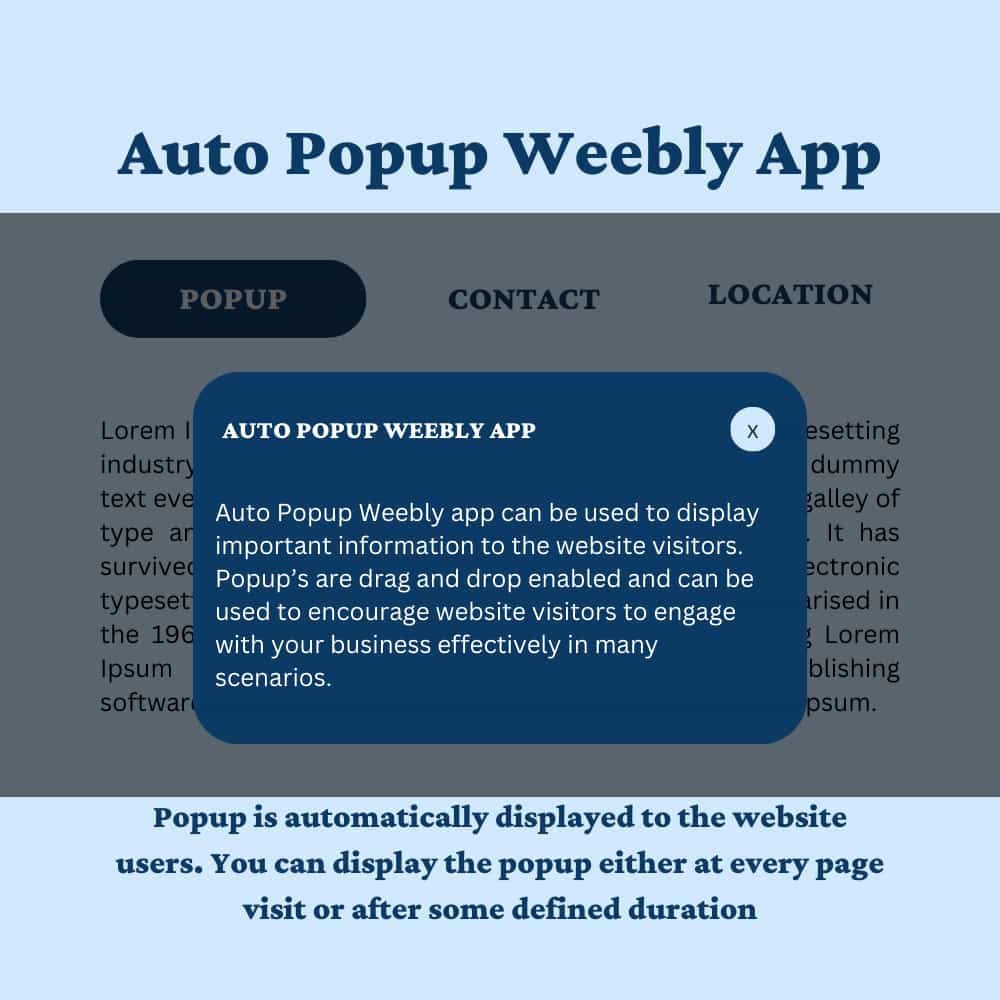
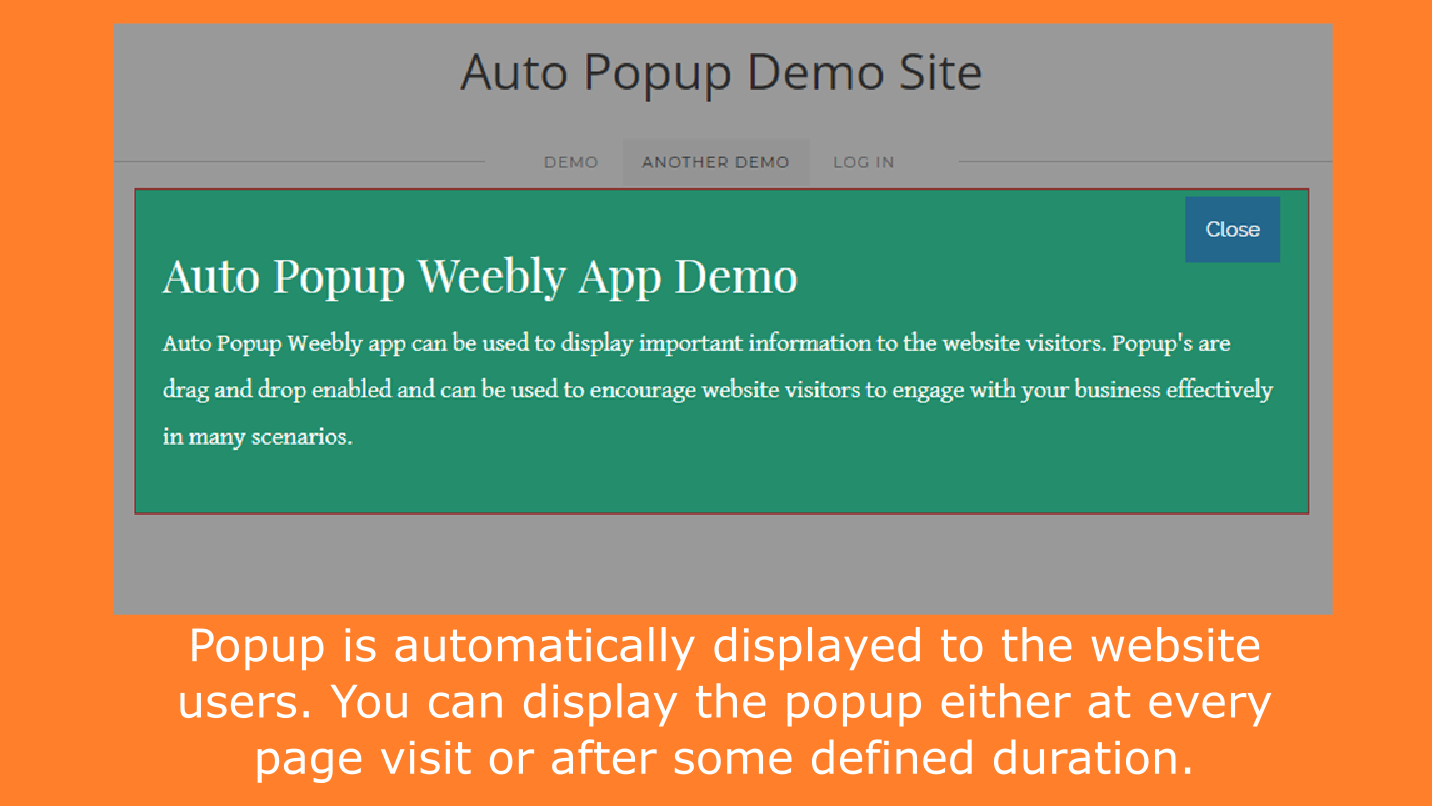
The Weebly Auto Popup app lets you display fully customizable, drag-and-drop enabled popups to your website visitors — automatically, at page load. No coding required.
Use it to capture email leads, promote announcements, feature products, grow your social following, or display a contact form — all with a professionally designed popup that looks great on every device.
Every popup content area is drag-and-drop enabled — drop any native Weebly element (text, images, buttons, forms, dividers) directly into the popup. Control timing, repeat behavior, auto-close duration, and full visual design from a simple settings panel.
See the Weebly Auto Popup in Action
Watch the full video walkthrough, then explore the app screenshots below.
What Can You Use the Weebly Auto Popup For?
Popups are one of the most effective tools for visitor engagement. Here are the most common use cases.
📣
Show Announcements
Highlight important news, limited-time offers, or site updates the moment a visitor arrives — before they scroll past it.
📧
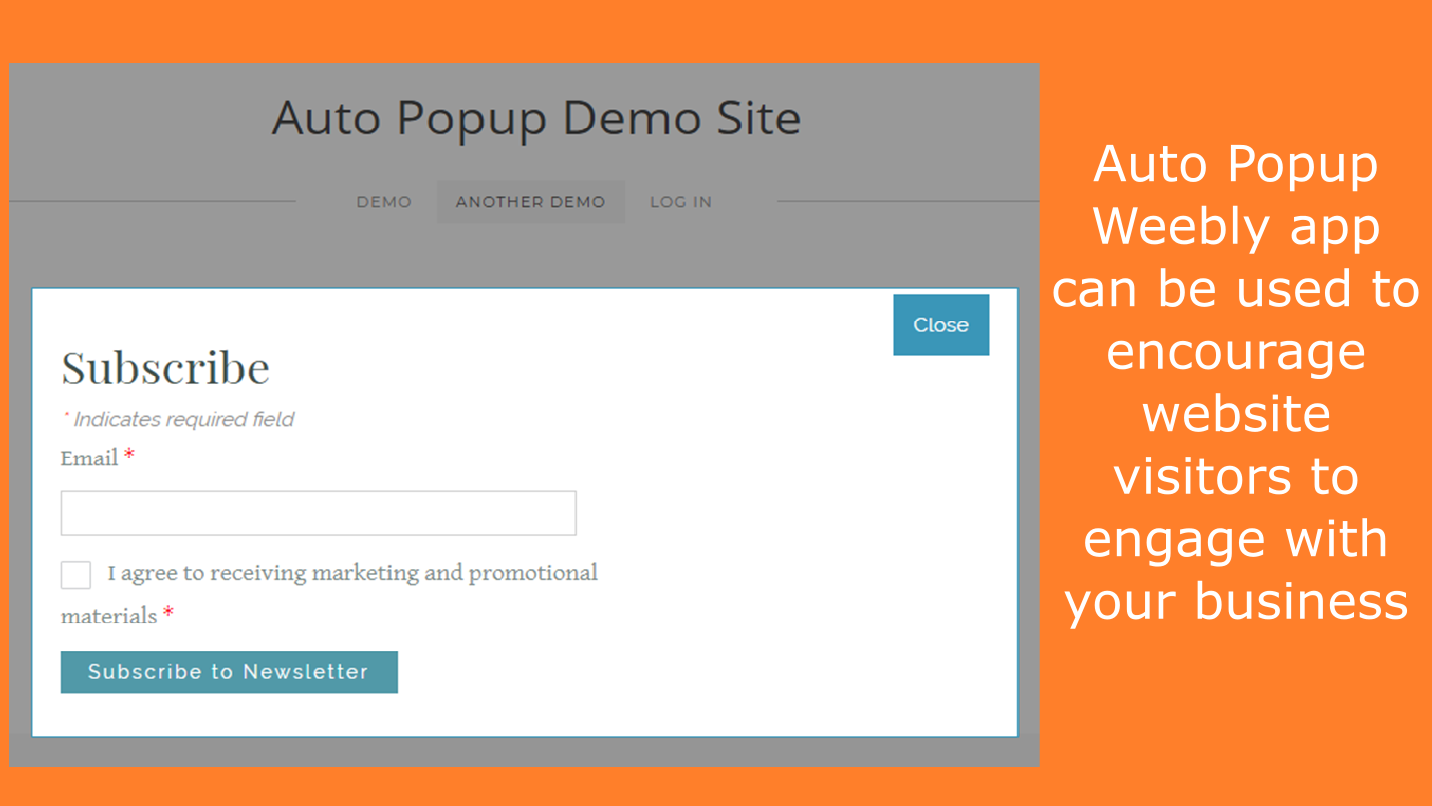
Grow Your Email List
Drop a Weebly form element into the popup content area and turn every page visit into a potential newsletter subscriber.
🛍️
Feature a Product or Ad
Showcase a featured product, special promotion, or advertisement with an eye-catching popup that appears as soon as the page loads.
📱
Boost Social Following
Invite visitors to follow you on social media with a well-timed popup that appears after they’ve had a moment to engage with your page.
📞
Show a Contact Form
Place a Weebly contact form inside the popup so visitors can reach you directly — without navigating away from your page.
🎯
Display Featured Ads
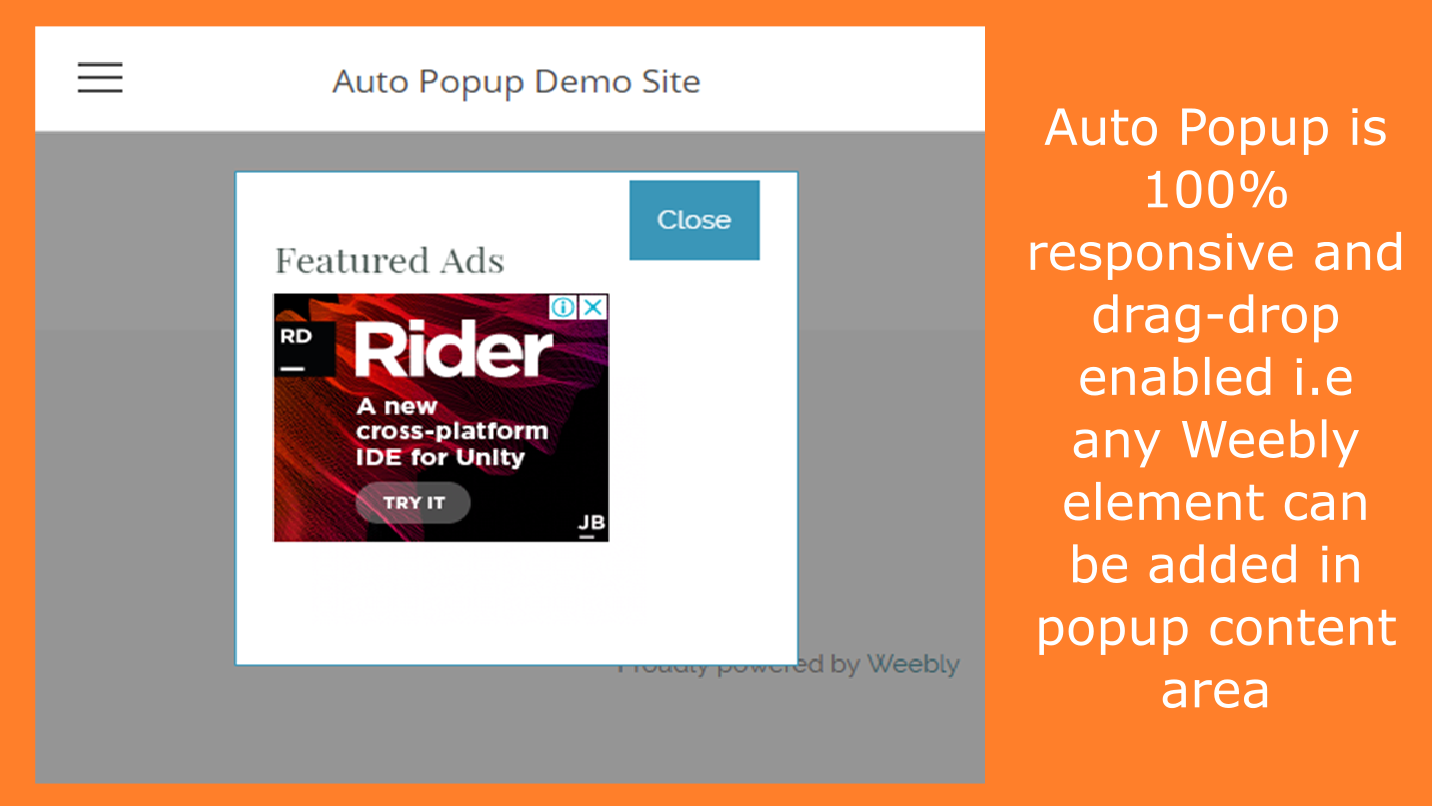
Monetize your Weebly website by displaying sponsored ads or affiliate promotions in a popup that commands immediate attention on page load.
Full Control Over Timing & Design
The Weebly Auto Popup gives you granular control over exactly how and when your popup appears — all from a simple settings panel inside the Weebly editor:
- Wait Duration — delay the popup by a defined number of seconds after page load
- Repeat Duration — show once per session or only once every N minutes to avoid annoying repeat visitors
- Auto Close — automatically dismiss the popup after a set number of seconds
- Popup Design — control background opacity, content background color, border color, width, and top margin
- Close Button Style — customize button background color, padding, text color, and border radius
⚙️ Settings Panel
- ⏱️ Wait Duration (seconds)
- 🔁 Repeat Duration (minutes)
- ⏸️ Auto Close Duration (seconds)
- 🎨 Popup Design Settings
- ✖️ Close Button Settings
How to Add a Popup to Your Weebly Website
Get your first auto popup live in three simple steps — no developer needed.
01
Install from App Center
Visit the Weebly App Center page, and click Add App. It installs to your Weebly site with a single click — no setup wizard required.
02
Drag & Drop Your Content
Drag the Auto Popup widget onto any Weebly page. Then drop any Weebly elements — text, images, buttons, forms — directly into the popup content area.
03
Configure Settings & Publish
Set timing, repeat behavior, and visual design in the settings panel. Hit Publish — your popup is live and will auto-display to every visitor from that moment on.
Simple, Affordable Pricing
Everything included. One price. Unlimited use on one Weebly website.
All In One
$19.99/yr
- ✅ Auto display popup on page load
- ✅ Drag & drop enabled content area
- ✅ Wait duration & repeat duration control
- ✅ Auto close with custom duration
- ✅ Full popup & close button design settings
- ✅ 100% responsive on all devices
- ✅ Developer email support
What Weebly Users Say About Auto Popup
4 verified reviews on the Weebly App Center
⭐⭐⭐⭐⭐
“Excellent app! Lots of features and easy to set up. Very helpful video tutorial. App works as described. The timed auto-close feature is especially useful for my needs. I submitted a question about advanced functionality and received a prompt response. Highly recommended!”
Full Tilt · December 2020
⭐⭐⭐⭐⭐
“Easy to use, stable, page-specific popup solution with super fast customer support via direct email to answer questions about how to use it.”
Christopher Hurrell · March 2020
⭐⭐⭐⭐⭐
“This app is amazing — would recommend it 100%. If you have any suggestions they will get it done for you asap. Such a great bargain price for what it has to offer. You will not be disappointed!”
Dagbek Koyu · January 2019
⭐⭐⭐⭐
“Pretty intuitive and easy to use. Modifications to popup background are easy to re-adjust. Would love to see rounded corners on popup boxes — developer confirmed this is planned for the next release.”
Peter Moskowitz · March 2019
Frequently Asked Questions
What does the Weebly Auto Popup app do?
The Weebly Auto Popup app automatically displays a fully customizable popup to your website visitors when a page loads. You can use it for announcements, email capture, product features, contact forms, social media CTAs, and featured ads. The popup content area is drag-and-drop enabled so any native Weebly element can be placed inside it — no coding needed.
Can I control how often the popup appears to the same visitor?
Yes. You can enable “Display popup at every page visit” to show it on every visit, or disable this option and set a Repeat Duration in minutes. For example, setting Repeat Duration to 60 means the popup will only show once per hour for each visitor — giving you full control over frequency without annoying your audience.
Can the popup close itself automatically?
Yes. Enable the Auto Close Popup option in the settings panel and define the Auto Close Duration in seconds. The popup will automatically dismiss after that time, improving visitor experience without requiring them to manually close it.
Can I delay when the popup appears after the page loads?
Yes. The Wait Duration setting lets you define a delay in seconds before the popup appears. Setting it to 5, for example, means the popup will wait 5 seconds after the page loads before displaying — giving your visitor time to start reading your content first.
Is the Weebly Auto Popup responsive on mobile?
Yes. The Auto Popup app is 100% responsive and adapts to all screen sizes — desktop, tablet, and smartphone. Your popup will display correctly and look professional on every device your visitors use.
What is included in the $19.99/yr plan?
The single All-in-One plan at $19.99 per year includes everything: auto display popup, drag-and-drop content area, wait duration, repeat duration, auto close, full popup and close button design customization, 100% responsiveness, and developer email support. The price is a one-time annual fee for unlimited use on one Weebly website — no hidden tiers or add-ons.
Explore Our Other Weebly Apps
Ready to Add Popups to Your Weebly Website?
Join hundreds of Weebly users who already engage their visitors with smart, auto-displaying popups. Just $19.99/yr — everything included, unlimited use on one website.